IMG_0908 — Minecraft skin by @andrejmartynenko396
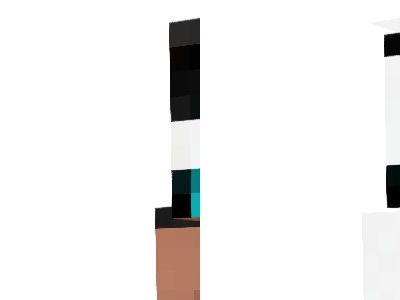
Create a high-quality Minecraft Java Edition skin based on my reference image. **Character details:** - Minecraft-style male character with brown skin and purple-blue eyes. - Black baseball cap worn backward and slightly sideways, with cyan details and a cyan Creeper-style symbol. - Black open hoodie with bright cyan accents, cyan hood lining and drawstrings. - White T-shirt with a large cyan Creeper face on the chest. - Black cargo pants with side pockets and cyan details. - Black, white and cyan sneakers. - Large bright cyan letters **BP** centered on the back of the hoodie. **Important requirements:** Preserve the character's original appearance, colors, clothing and facial features. Use sharp, clean Minecraft pixel art with no blur or smooth gradients. Create a real, playable Minecraft Java Edition skin texture in **64×64 PNG format**, using the Classic (Steve) model with correctly aligned textures on all sides. Include accurate front, back, left and right textures. Do not add or change clothing, colors or accessories.
not rated yet · male
How to wear it
- Download the PNG on this page.
- Java: Minecraft Launcher → Skins → New skin → pick the file. Bedrock: Dressing Room → import.
- Choose Classic or Slim and save.
Want to change it? Open it in the free MC-ENGINE skin editor and make your own version.
Not an official Minecraft product. Not approved by or associated with Mojang or Microsoft.