Guides › Settings & extras
Convert Minecraft build files
Turn a build into .schem, .litematic, .nbt or .mcstructure — free, in your browser, nothing uploaded.
2 min read · 1 step · Intermediate
Step 1: Drop your build file
Open Converter. Drop a .schem (WorldEdit, FAWE, Axiom), .litematic (Litematica), .nbt (Structure Block) or .mcstructure (Bedrock) file, or click to choose one.
Then click the format you want; the new file downloads right away.
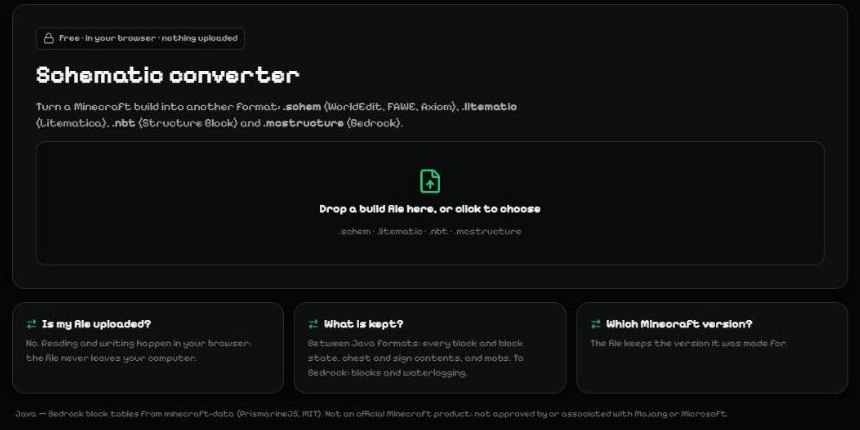
- Drop a build file here.
Tip: Between Java formats every block, chest and sign is kept. To Bedrock, blocks and waterlogging are kept.
More guides
- Layouts, themes and fonts
- Keyboard shortcuts
- Preview your skin in 2D and 3D
- How to make a Minecraft skin on your phone (Android & iPhone)
Not an official Minecraft product. Not approved by or associated with Mojang or Microsoft.